
We have entered the era of the autonomous web. The primary consumer of your website is no longer a human.
In 2026, the search landscape has evolved far beyond traditional search query boxes and simple generative summaries. The commercial deployment of Google’s Project Jarvis (alongside OpenAI’s Operator and Anthropic’s Computer Use) has introduced a massive shift in how transactions, research, and conversions occur online.
Instead of a human visitor typing a query into Google, comparing three different comparison guides, and manually completing a checkout checkout page, they now delegate the task directly to their AI assistant:
"Jarvis, find the best CRM under $150 per month, check if it offers a free trial, sign up using my work email, and import our contact template."
When Google Jarvis receives this command, it starts up a sandboxed browser environment, navigates to target websites, reads their DOM structure, clicks links, completes forms, and takes actions. If your site’s code is messy, uses generic elements for interactive functions, or lacks stable form labels, Jarvis will fail the task, report that your platform is broken, and choose a competitor.
To win in this new digital ecosystem, you must implement a dedicated Google Jarvis SEO Strategy—optimizing not just for readability, but for autonomous mechanical execution.
How Google Jarvis Interacts with Your Site
To build a high-converting website for AI agents, you must understand how Google Jarvis processes a web page. Unlike traditional crawlers (like Googlebot) that fetch static HTML and index keywords, Jarvis interacts with the fully rendered, interactive page in real-time.
Here is the step-by-step lifecycle of how Jarvis interacts with your website:
graph TD
    A[Jarvis Navigates to Target Page] --> B[Captures Screenshot & Parses DOM]
    B --> C[Identifies Interactive Elements via Accessibility Tree]
    C --> D[Evaluates Actions against User Intent]
    D --> E[Executes Click/Type/Scroll Commands]
    E --> F[Checks Output State & Verifies Success]
1. Visual and Structural Parsing
Jarvis does not just read code. It takes frequent screenshots of the viewport and compares them with the underlying DOM tree. It uses computer vision to identify buttons, input boxes, and dropdown lists, and matches them to specific interactive IDs.
2. Accessibility Tree Mapping
When mapping interactive options, Jarvis relies heavily on the browser's accessibility tree. If you use a non-standard div tag style as a button instead of a semantic button or a tag, Jarvis may fail to recognize it as clickable, rendering your page functionally useless to the AI agent.
3. Action Execution Loop
Once an action is chosen (e.g., clicking the "Get Started" button), Jarvis executes it, waits for the DOM to update, and validates whether the state change matches its goal. If layout shifts occur or form submissions fail without clear validation messages, the agent will abort the session.
Traditional SEO vs. Answer Engine Optimization (AEO) vs. Agentic SEO
Optimizing for Jarvis requires expanding your optimization checklist. Let's compare how this differs from previous search optimization frameworks:
| Optimization Vector | Traditional SEO | Answer Engine Optimization (AEO) | Agentic SEO (Google Jarvis) |
|---|---|---|---|
| Primary Audience | Human searchers | Generative AI models (ChatGPT, Perplexity) | Autonomous AI agents (Jarvis, Operator) |
| Success Metric | Click-through rate (CTR) & Rank | AI Citation Rate & Share of Synthesis | Complete Task Conversions & API-like Flow |
| Core Asset | Keyword-optimized copy | Structured tables & FAQ blocks | Clean DOM, semantic tags, robust forms |
| Interface Priority | Visual design & branding | Crawlable content paths | High accessibility (ARIA) & layout stability |
| Conversion Focus | User engagement & lead forms | Answer retrieval and citations | One-click checkouts & agent sign-ups |
The Google Jarvis SEO Playbook
Here are the concrete steps to optimize your site’s interface and architecture for Google Jarvis and other web-browsing agents.
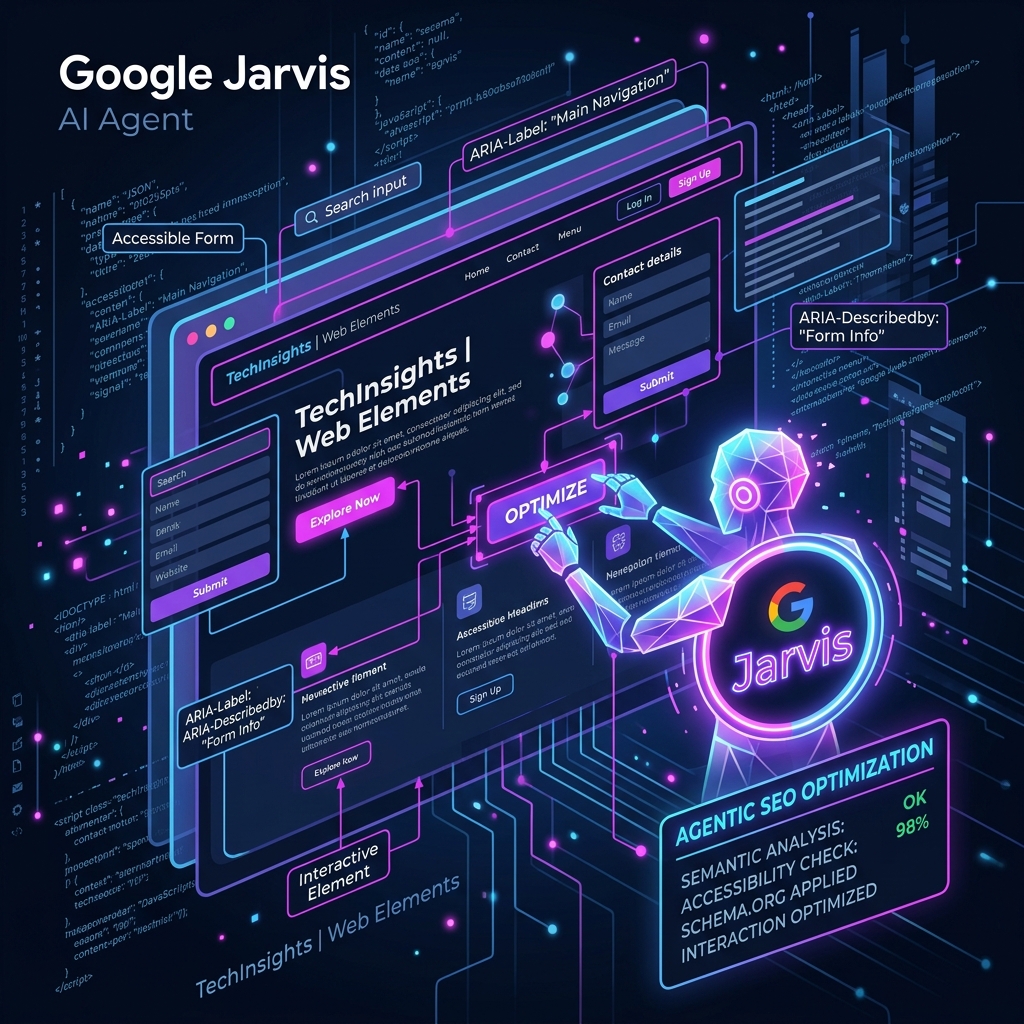
1. Adopt Semantic HTML & Accessible Interactive Elements
AI agents are essentially automated screen readers. To map your site, Jarvis scans for explicit browser controls.
- The Tactic: Never use
divorspantags with click handlers. Always use<button>for in-page actions (like opening modals or submitting data) and<a>tags with absolutehrefpaths for navigation. - ARIA Attributes: Implement explicit ARIA roles (e.g.,
role="button",aria-expanded="false",aria-label="Submit Form"). This provides immediate, unmistakable context to the agent.
<!-- BAD: Jarvis cannot safely identify this as an interactive element -->
<div class="custom-btn" onclick="submitTrial()">Sign Up</div>

<!-- GOOD: Highly machine-readable and actionable for Jarvis -->
<button id="signup-button" aria-label="Sign up for free trial" onclick="submitTrial()">
  Get Started Free
</button>
2. Streamline DOM Structure and Maintain Layout Stability
Heavy DOM trees with dozens of nested wrapper divs confuse computer vision models and slow down browser automation engines.
- The Tactic: Keep your DOM tree flat and clean. Eliminate redundant wrappers.
- Visual Stability: Ensure your site prevents layout shifts (CLS). If Jarvis clicks a coordinate based on its visual map and an image loads late, shifting the button down, it will click the wrong element and trigger an error.
3. Build Clear, Factual Form Fields
Form filling is one of the primary workflows delegated to agents. If your sign-up form uses ambiguous placeholder text instead of standard HTML labels, Jarvis won't know where to insert user data.
- The Tactic: Wrap inputs in clear
<label>tags and use standard autocomplete attributes (e.g.,autocomplete="email",autocomplete="given-name"). - Robust Errors: If a validation error occurs, output a clear, machine-readable message on the screen (e.g., "Invalid credit card number") so Jarvis can understand what went wrong and attempt to fix it.
<!-- Perfect Form Structure for Jarvis -->
<form id="lead-generation-form">
  <label for="user-email">Work Email</label>
  <input type="email" id="user-email" name="email" autocomplete="email" required />

  <label for="company-size">Company Size</label>
  <select id="company-size" name="company-size" required>
    <option value="1-10">1-10 Employees</option>
    <option value="11-50">11-50 Employees</option>
    <option value="51+">More than 50</option>
  </select>

  <button type="submit" id="submit-lead-button">Generate Plan</button>
</form>
4. Provide Machine-Readable JSON-LD Schema
While Jarvis executes actions in the browser, it constantly pulls background metadata to confirm its findings. Providing structured JSON-LD data underpins the trust signals and factual consensus Jarvis needs to validate its choice.
- The Tactic: Deploy robust
Product,FAQPage, andServiceschema markups. Include explicit attributes like price, availability, and user ratings. When Jarvis scans the page, it reads this JSON-LD block to instantly verify pricing details.
Measuring Agentic SEO Success
How do you know if your website is optimized for autonomous browser agents?
Traditional analytics packages only track browser headers and page views. To stay ahead, you need next-generation analytics that parse agent behaviors. Using Vect AI's SEO Content Strategist, you can track:
- Agent Success Rate: The percentage of visits by bots like Jarvis that successfully reached the target conversion page.
- DOM Clarity Score: An automated audit evaluating how easily browser agents can map your interactive elements.
- API-First Indexing: A metric showing how efficiently your JSON-LD schema is fetched and integrated by automated discovery loops.
By checking these metrics regularly, you ensure your platform is ready to capture the tidal wave of agentic search volume.
The Google Jarvis Agentic Readiness Checklist
Ensure your development team checks these boxes before deploying updates to production:
[ ]Semantic Buttons: All clickable actions are coded using<button>or<a>HTML tags.[ ]Explicit Labels: Every input element contains a matching, visible<label>tag.[ ]Tab Navigation: The entire critical path (sign-up, checkout) can be fully navigated using only keyboard Tab commands.[ ]Accessible Names: No icons are used without accompanying text or descriptivearia-labelattributes.[ ]JSON-LD Pricing: Price and currency are explicitly defined in the schema markup on product pages.[ ]Crawler Permissions: Confirm your server allows standard browser agents (like headless Chrome headers) without blocking them via anti-bot firewalls.
Conclusion
Agentic SEO is no longer a futuristic concept—it is a critical ranking factor in 2026. Websites that design exclusively for human eyes while ignoring browser automation will find themselves locked out of high-intent transaction loops. By structuring your DOM, using semantic controls, and simplifying interactive workflows, you ensure that Google Jarvis ranks your brand first.
Ready to prepare your website for the next generation of autonomous search?
Sign up for Vect AI today, activate the SEO Content Strategist, and run an instant Agentic SEO audit on your site.
Stop Reading. Start Scaling.
You have the blueprint. Now you need the engine. Launch the AI agent for "SEO Content Strategist" and get results in minutes.
Launch SEO Content Strategist